

Enhanced SMS
Enhanced SMS
Builders can now easily upgrade SMS templates into advanced, customizable functions to support complex use cases.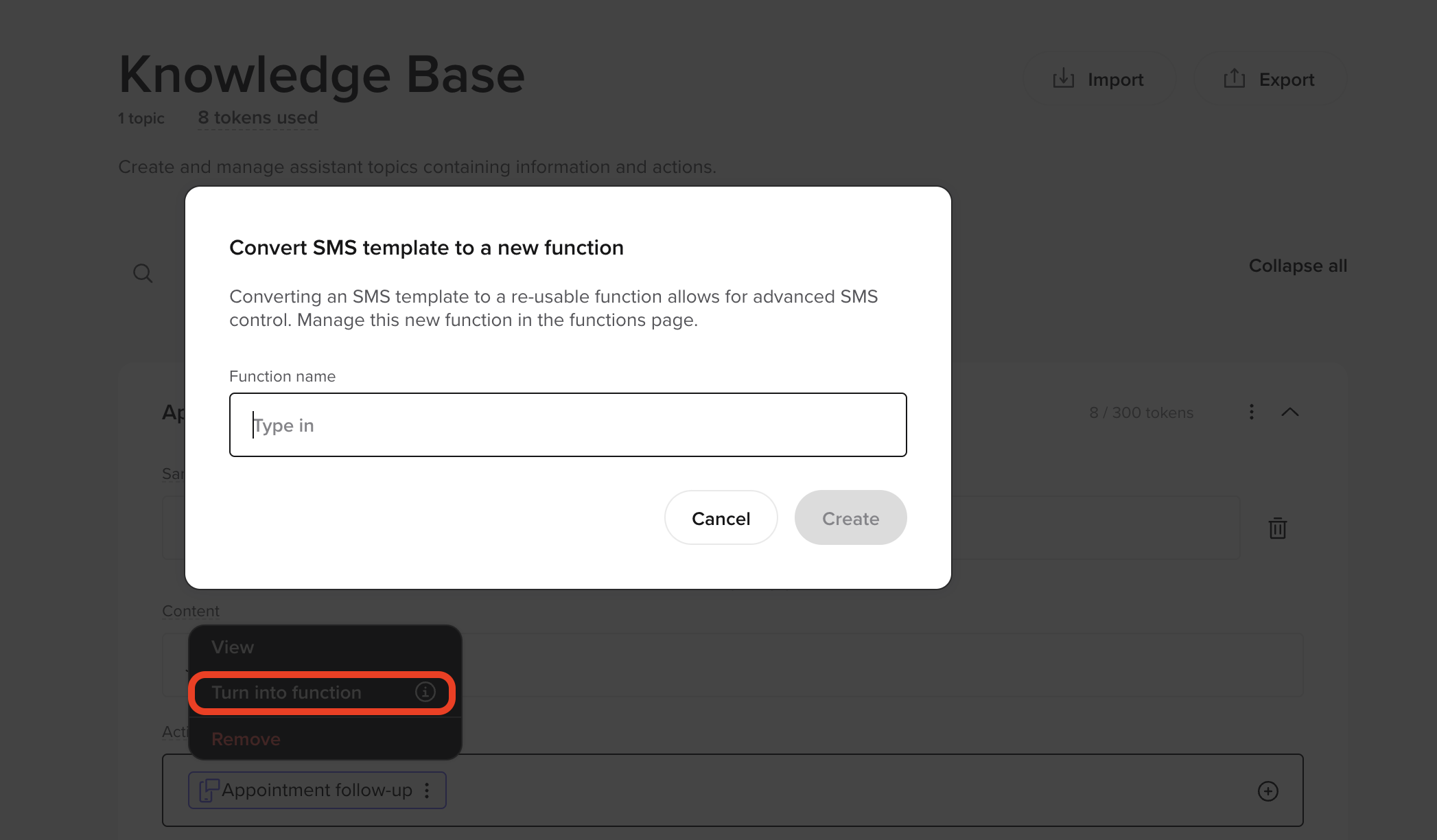
- Alternative SMS number: Collect alternative phone numbers from callers for SMS delivery.
- Upgradable SMS functions: Add custom logic to basic SMS templates for advanced configurations.
In-app function debugging
In-app function debugging
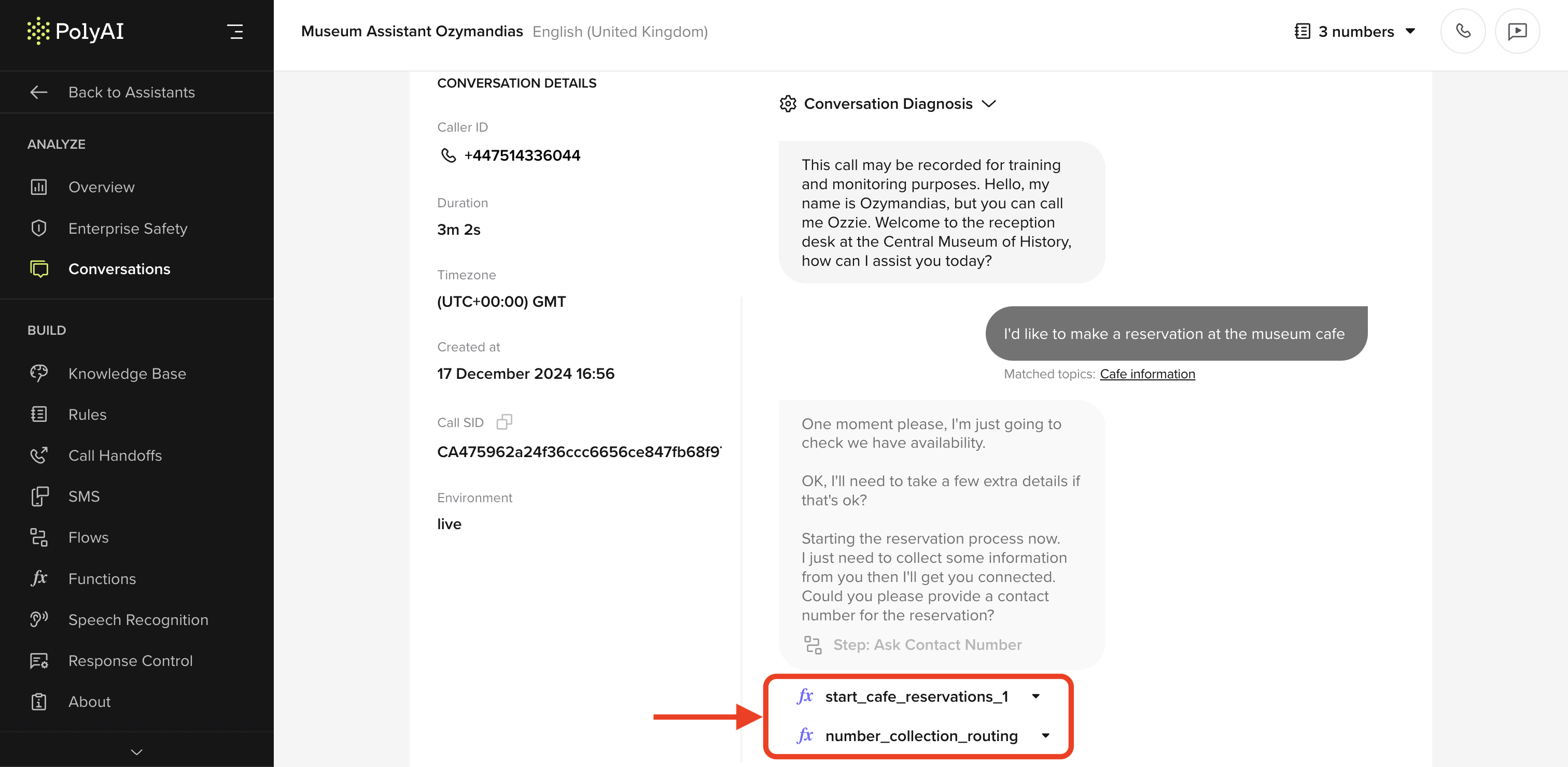
- After calls, in the Conversation review page.
- Live, when testing with agent web chat.
Knowledge base export functionality
Knowledge base export functionality
Export your knowledge base as a CSV file.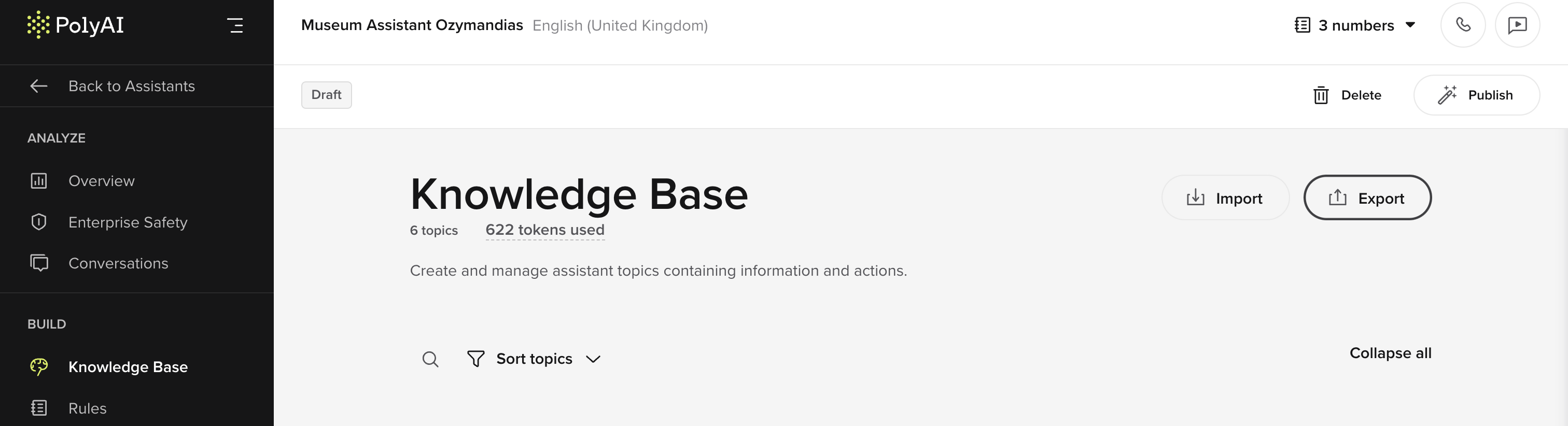
{agent Name}_{Env}_{Timestamp}_{version code}_KB.csv.Note that draft exports will exclude the version code. The timestamp reflects the export time.Barge-in feature
Barge-in feature
This settings toggle allows you to decide if callers can interrupt agents. This can improve conversation flow and create natural, human-like interactions.theFunctionally, this feature shortens the Voice Activation Detection (VAD) time and reduces response latency.To test this feature, find Enable barge-in in the “Settings” menu.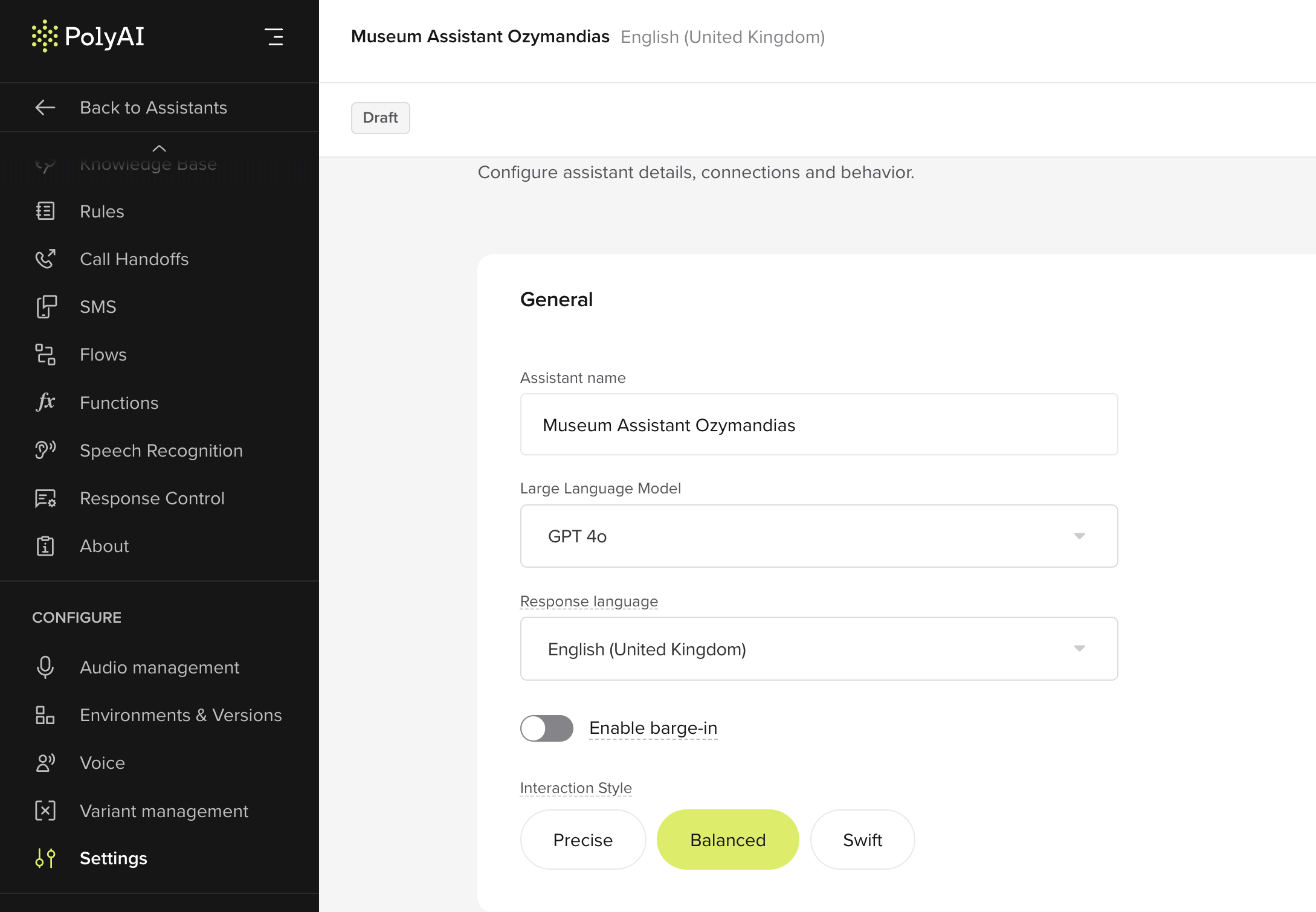
Stop on keyword
Stop on keyword
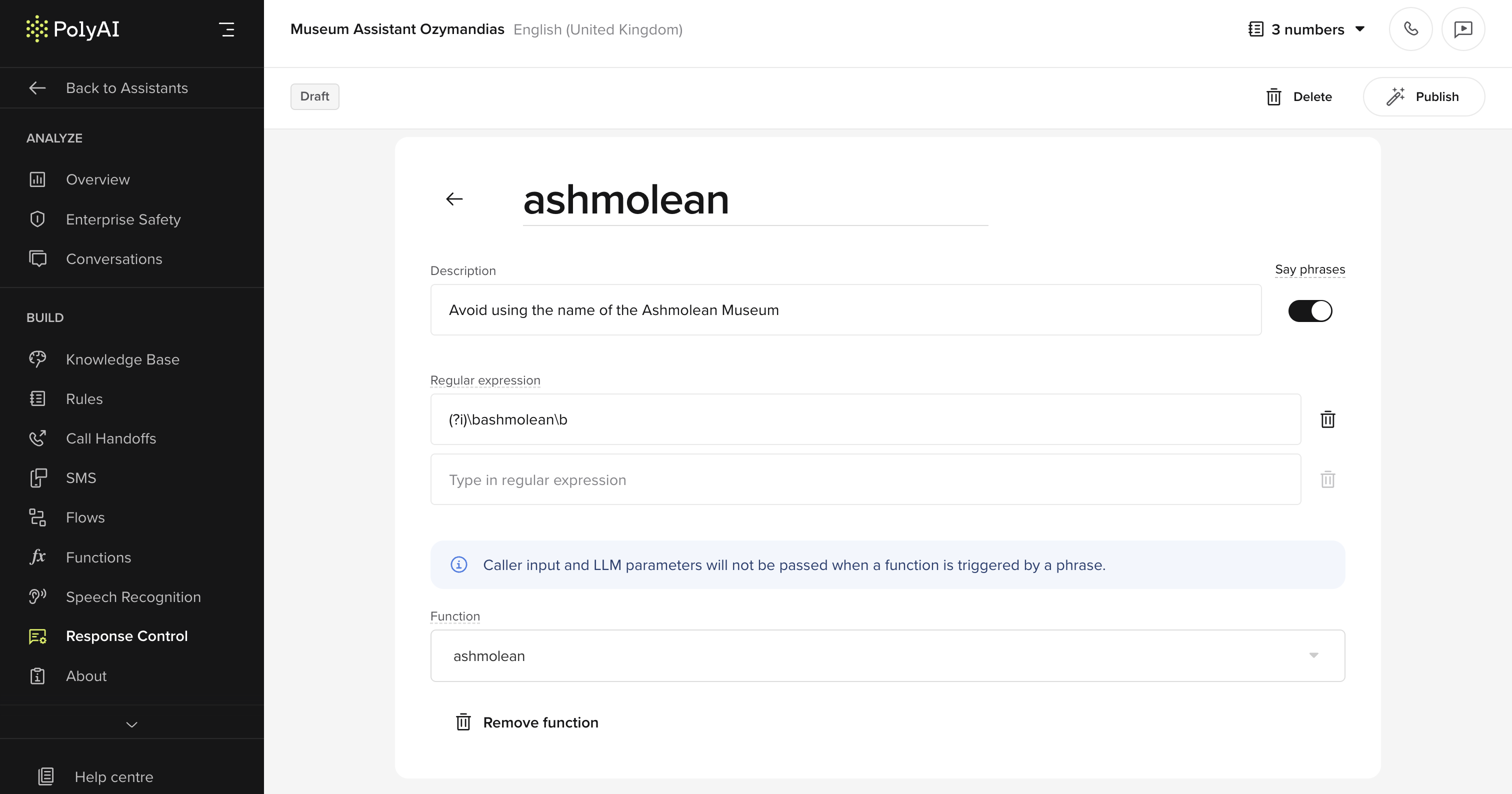
- Halt responses: Interrupt the agent’s response when certain words or phrases (configured with RegEx) are detected in user input.
- Trigger functions: Use Stop Keywords to activate specific functions or workflows.
- Create a function
- Open Response Controls in the Build tab.
- Add Stop Keywords and define their behavior using RegEx patterns.
- Optionally, configure the agent to trigger a custom function or workflow when a Stop Keyword is detected.