

How to find and adjust audio
- In the PolyAI platform and go to Voice in the left-hand navigation.
- Click the Audio tab to see the full list of generated audio clips.
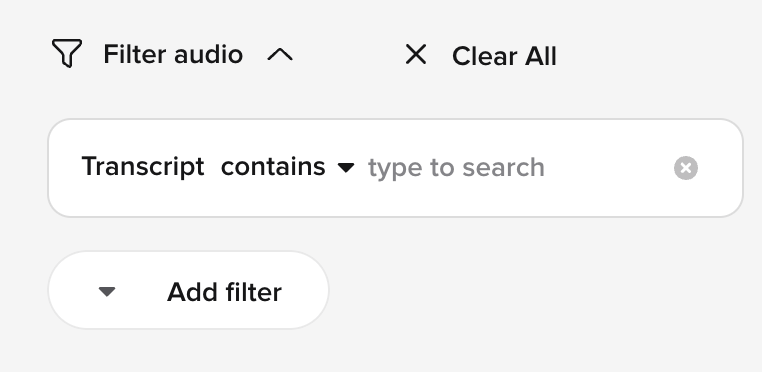
- Use the Add Filter button and use the filter “Transcript contains” if you are looking for a specific clip
- To hear what the clip currently sounds like, click the the Play button on the left
- If you want to regenerate the clip, click the three-dot menu at the far-right and click Edit

- Click the Regenerate button on the left to regenerate the audio clip. Once it’s regenerated, it will automatically play.
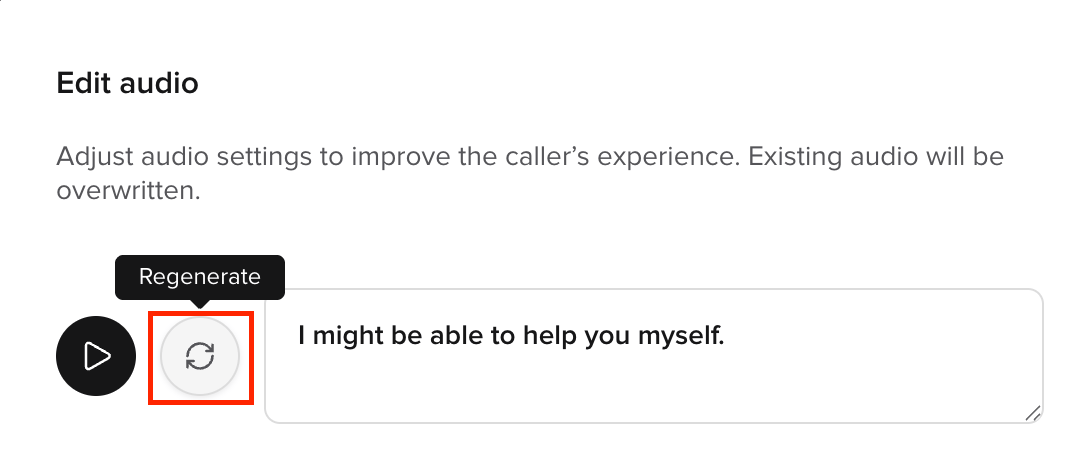
- You can click the Regenerate button until the clip sounds the way you want it to. Once you are happy with it, click Save, then Proceed.
- The audio clip in the list will now be tagged with “Regenerated” and the agent will use the regenerated audio going forward whenever it says that phrase.
