

Smart Analyst
Smart Analyst
Smart Analyst is a conversational analytics tool that uses AI to review a sample of calls when you ask it natural-language questions, like “How has the agent been performing over the last week?”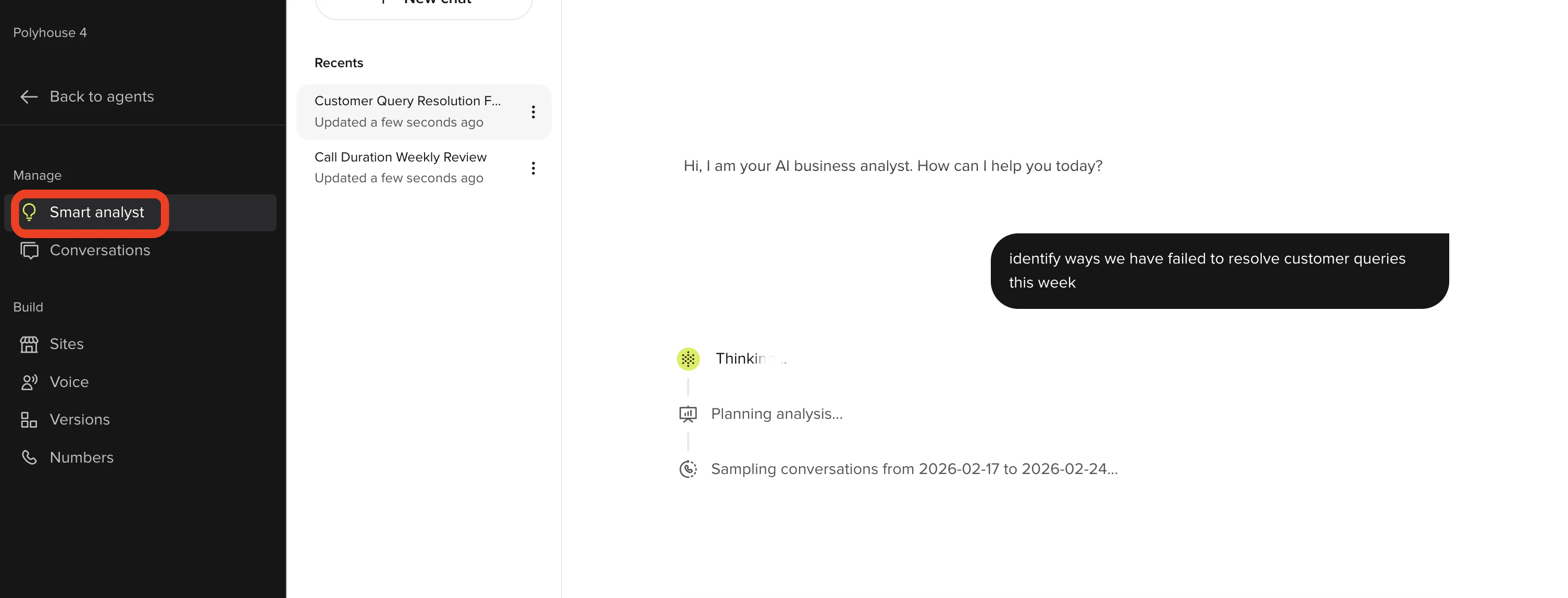
- Click Smart Analyst on the left panel of the PolyAI platform
- Type in your question or use one of the templates
- Click Enter on your keyboard and wait for Smart Analyst to give you a response
- You can use the answer it gives to inform edits you decide to make to your agent, or raise a support ticket if there is a technical issue
Conversations
Conversations
Conversations give you access to the raw conversations that your agent is having. To view conversations: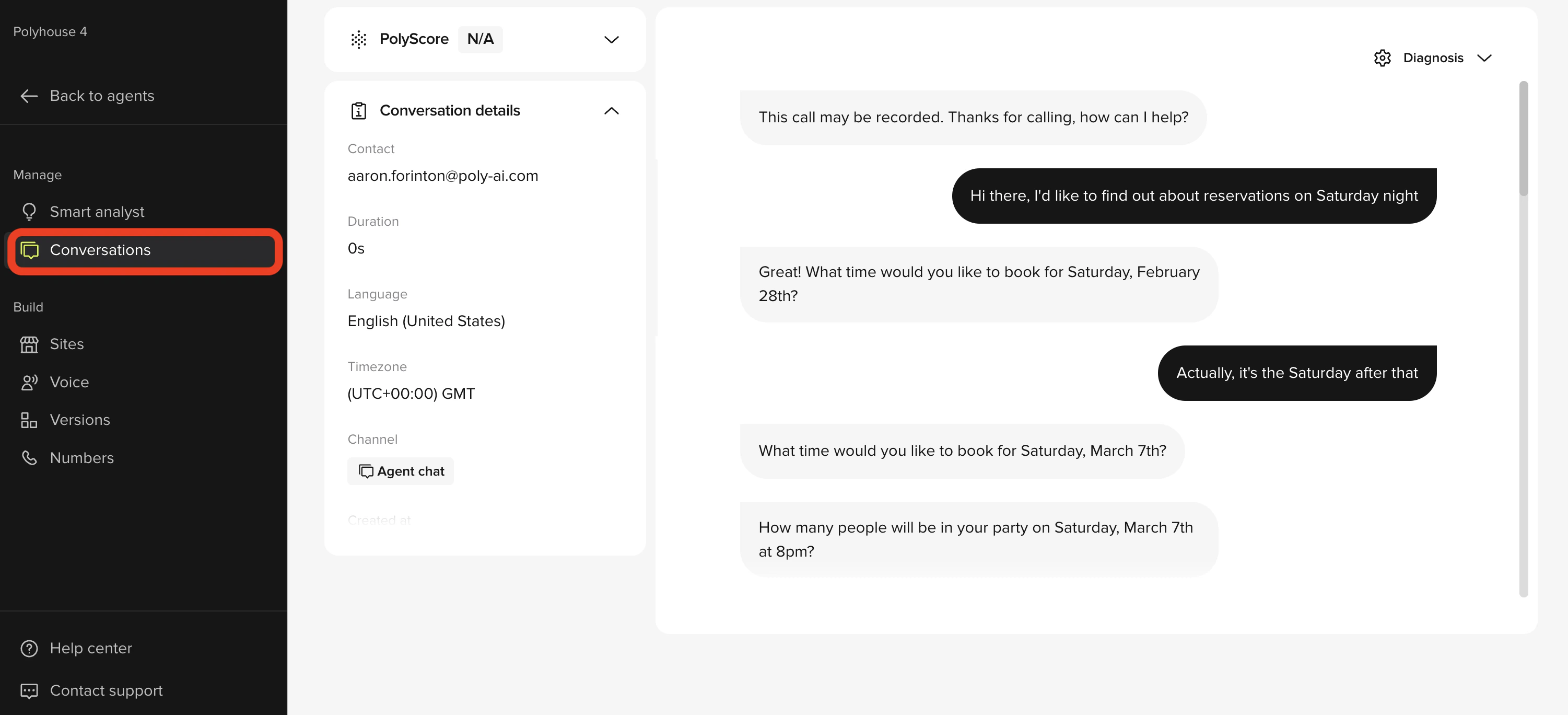
- Click Conversations on the left panel of the PolyAI platform
- If you want to review your Live calls, click “Production”. If you want to review your Test calls, click “Test”.
- Click the specific conversation(s) you are interested in reviewing
- Read the transcript and/or listen to the call by clicking the play button
If there is a technical issue that you want to share with our support team, please copy and paste the call SID of at least one call which highlights the issue(s) you are describing. The call SID can be copied by clicking the link button (🔗) at the top of the call. You can submit a support ticket via the “Contact Us” button in the bottom-left of the PolyAI platform.