

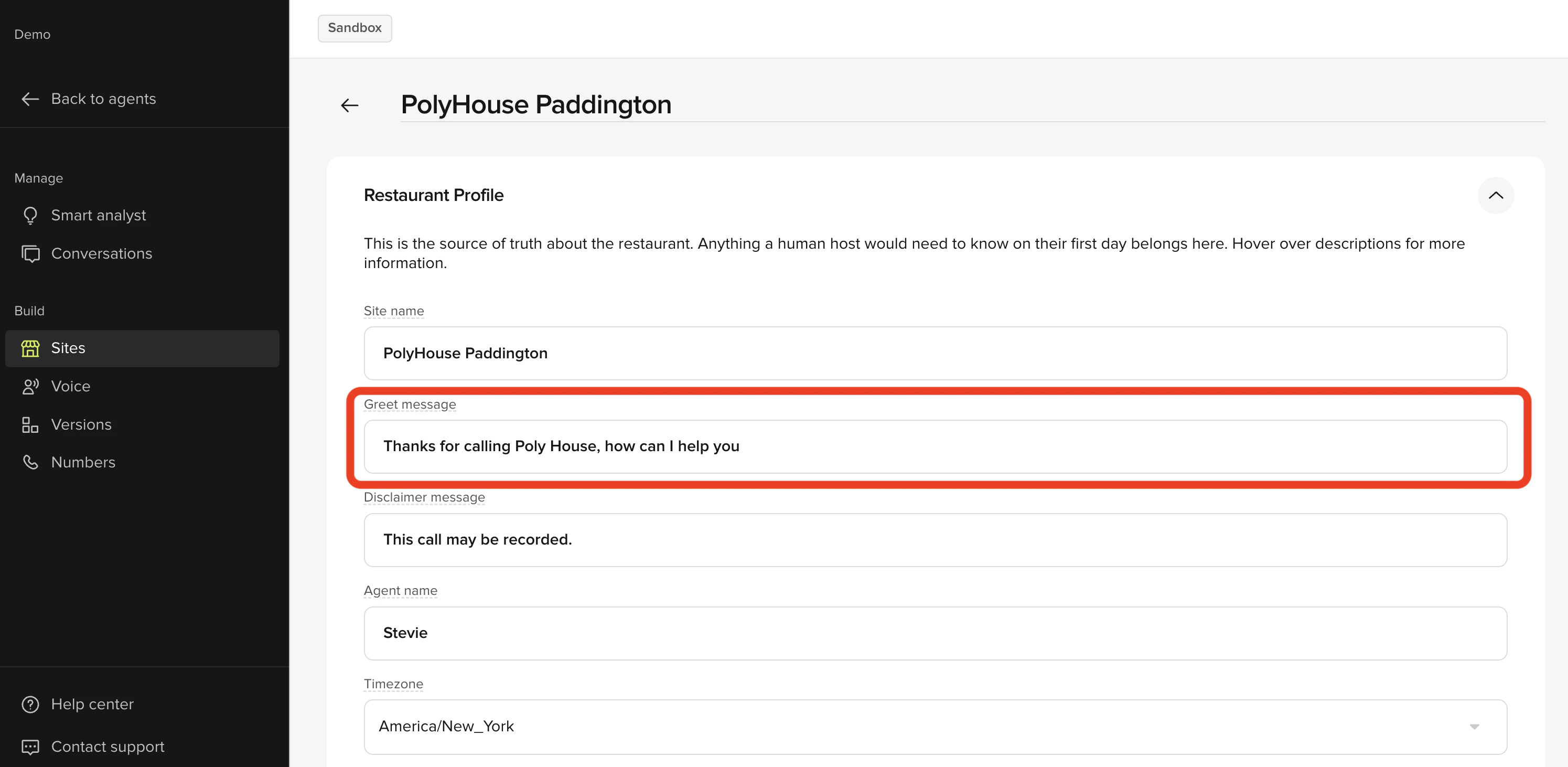
- In the PolyAI platform, click Sites on the left panel
- Click the site you want to make edits to
- Under Restaurant Profile, edit the content in the Greet Message field
- Click Save to version in the top-right
- Add a note about what you changed
- Then click Save to version again
- Click the Call Agent button in the top-right
- Select the site and click Start Test Call to stay on the line to listen to the greeting
- If you are satisfied with it, click Versions on the left panel
- Click Go Live to the right of the change you made