

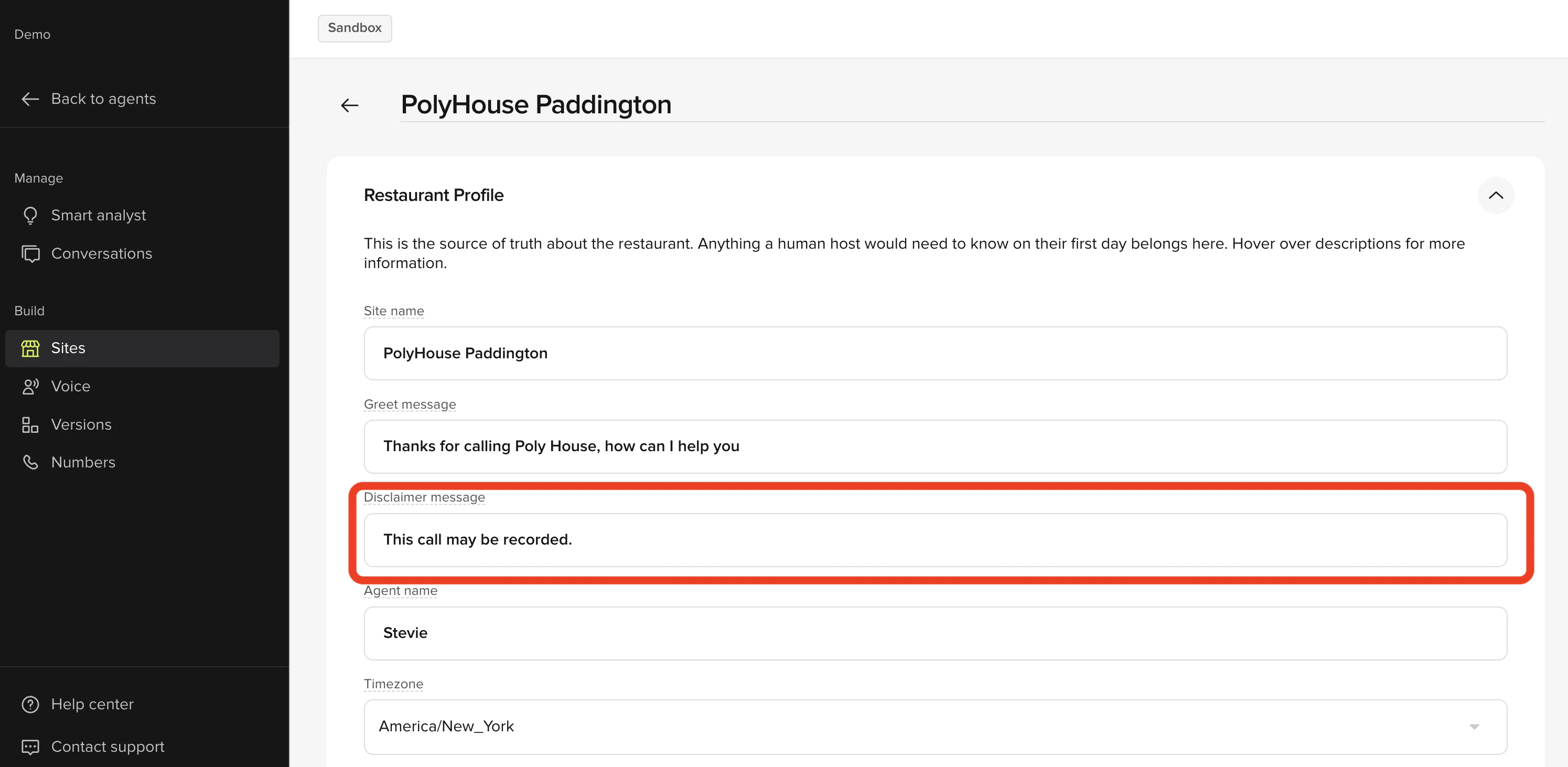
What is a disclaimer?The disclaimer is the legal or informational message at the beginning of the call, typically stating things like “This call may be recorded for training and quality purposes”. It serves as a notification to guests about call recording or other legal matters, and you can also use it to announce things like an unexpected closure or adjusted operating hours. The disclaimer is the first message that a guest hears upon PolyAI answering the call.
disclaimer To edit the disclaimer message:
  1. In the PolyAI platform, click “Sites” on the left panel
  2. Click the site you want to make edits to
  3. Under Restaurant Profile, edit the content in the Disclaimer Message field
  4. Click Save to version in the top-right
  5. Add a note about what you changed
  6. Then click Save to version again
  7. Click the call agent button in the top-right
  8. Select the site and click start test call
  9. If you are satisfied with how the agent responds, click Versions on the left panel
  10. Click Go Live to the right of the change you made